
Work. build. Escape.
The Student Nurse Revision & Planner designed for student nurses.
Stay on top of assignments, track deadlines, organise your goals, manage your well being, and build habits that help you succeed.
↓ Download the free App
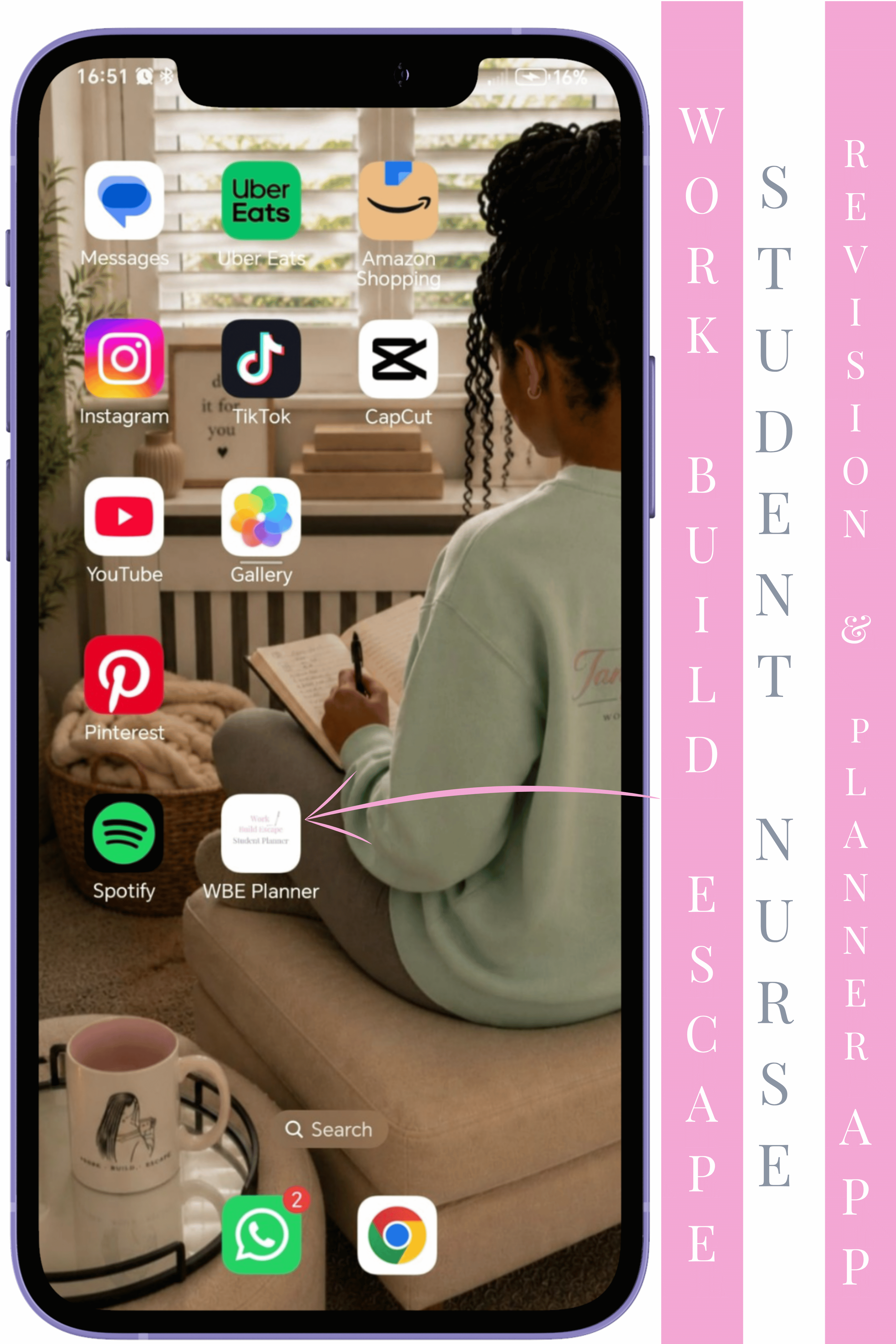
How to get the app on your Home Screen
Android
Tap download
The app will open in your browser.
Tap the three dots at the top right corner.
Scroll down to Add to Home Screen or Install App
Tap Add.
iOS
Tap download.
The app will open in your browser.
Tap the Share icon at the bottom of the screen.
Scroll down and tap Add to Home Screen.
Tap Add.
We'd Love Your Feedback
We're always looking for ways to make the Work Build Escape Student Planner better. Take this quick 30-second poll and tell us what feature you'd love to see next
What feature would make the biggest difference to your student journey?
Pick one:
What are you currently studying?
Select the option that best describes your course🎓


© 2026 Tanyshwa Riley Inc. All rights reserved.